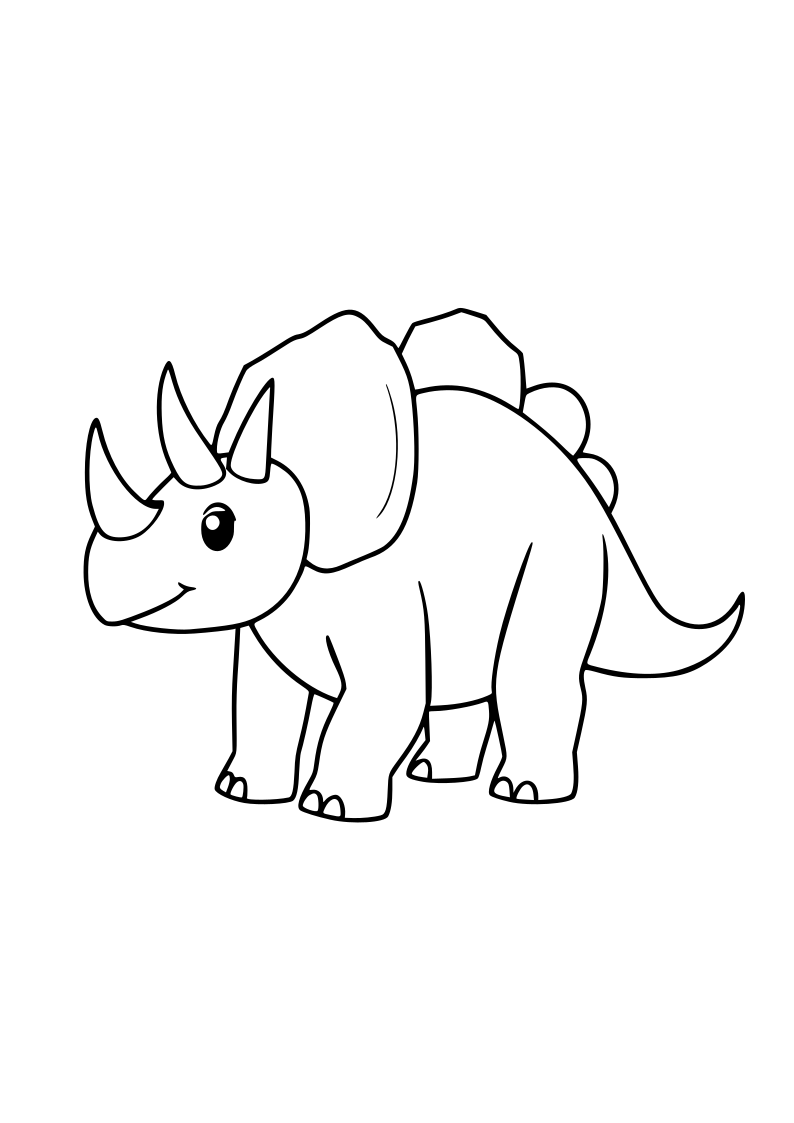
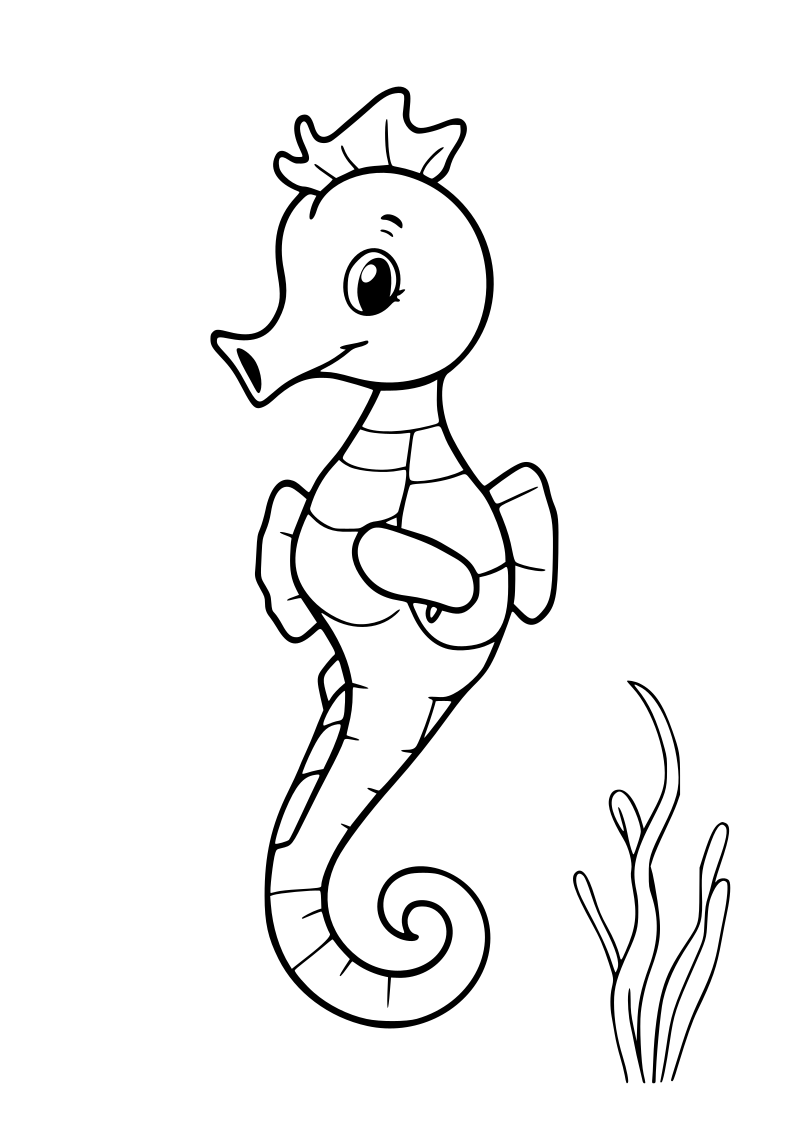
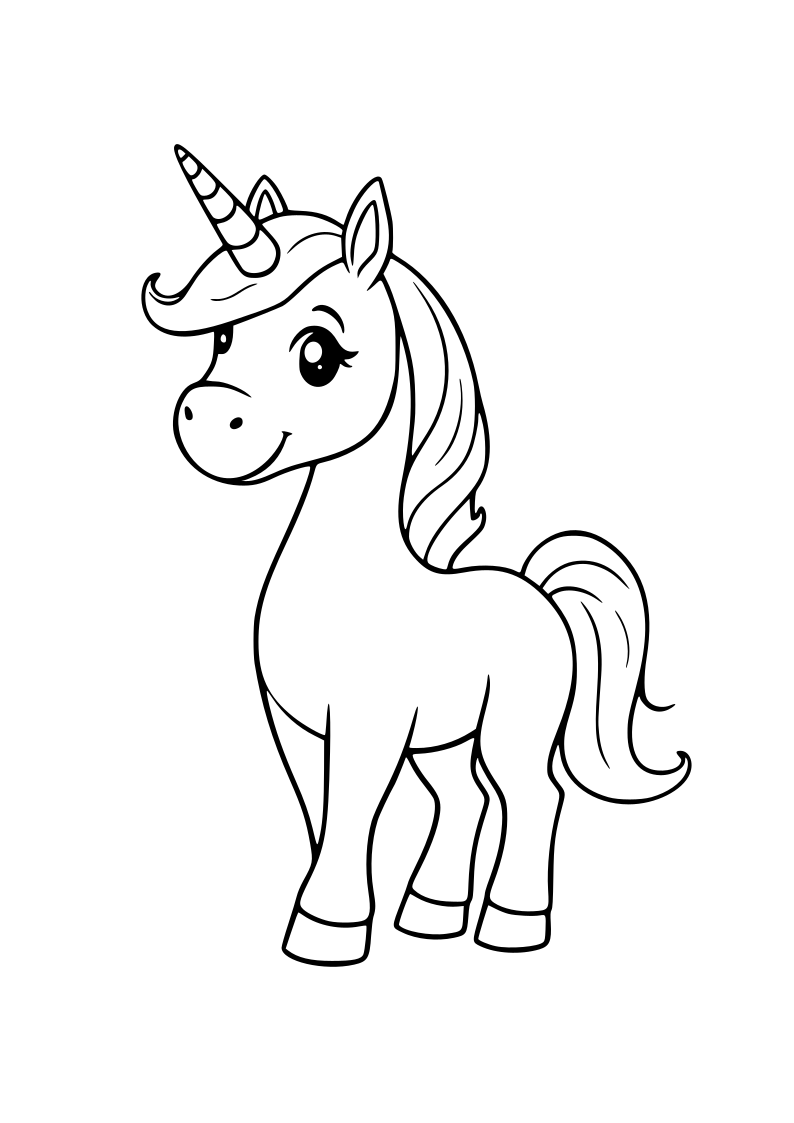
Six pictures. One easy way to choose a creative activity.
Make a six-picture choice menu for a classroom, creative corner or quiet day at home. An adult picks from curated Artly Kids coloring pictures, then prints one sheet. A child can choose by looking, pointing or marking a box. No child information is needed.
Build your picture menu
Choose A4 portrait in your print dialog and check the page preview. All selections remain in your browser; no accounts, uploads, or child profiles.
Live preview · six printable choices
Artly Kids · Picture choice board
Our creative choices
Look, point, or color. Choose one picture to start with.
6 choices
Butterflyanimals
Triceratopsdinosaurs
Fire Truckvehicles
Moon Cratersspace
Seahorseocean
Unicornfantasy
Every choice is optional. You can point, talk, or try one picture another day. • artlykids.com
Artly Kids · Picture choice board
Our creative choices
Look, point, or color. Choose one picture to start with.
6 choices
Butterflyanimals
Triceratopsdinosaurs
Fire Truckvehicles
Moon Cratersspace
Seahorseocean
Unicornfantasy
Every choice is optional. You can point, talk, or try one picture another day. • artlykids.com
When a choice board helps
Offering a small number of visible options can make it easier to choose the next art activity without scrolling through a large library. Let children decide whether to point to a picture, describe it or use a pencil mark. A choice is an invitation, not a task they must complete on a schedule.
Making it useful in groups
Teachers can place a printed board next to a set of prepared coloring sheets and invite each child to pick an option. For children who prefer fewer choices, an adult can cover some panels or start by discussing just two. Avoid ranking artwork or turning the selection into a developmental score.
What the board does — and what it does not
This tool lays out six preview pictures with blank selection boxes. It does not automatically download the six full-size coloring pages. Open the coloring library to print the full-size drawing that a child chose. The board is generated in your browser; selections are not sent to a server or saved to an account.
If the sheet is cropped, match A4 or US Letter in the browser and printer and check the print preview. See the printer troubleshooting guide for practical help. This is an optional creative aid, not an educational assessment or specialist intervention.